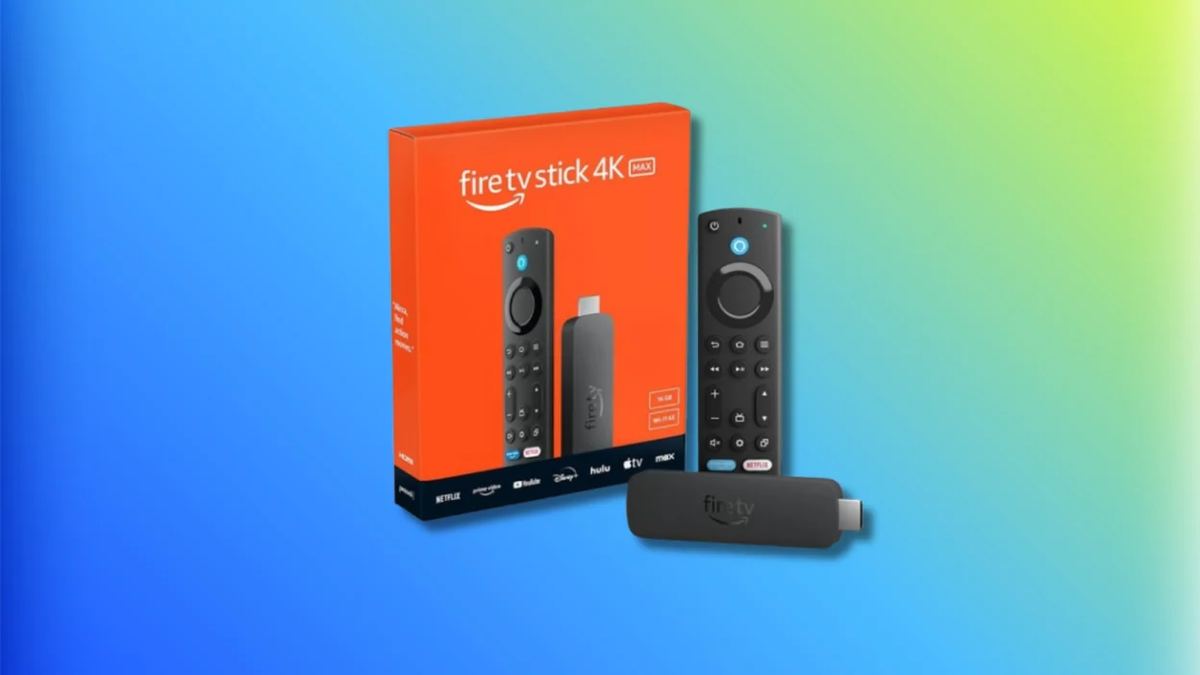
The definitive guide to setting up IPTV on Amazon Firestick 4K Max. Covers TiviMate, IBO Player, and Hot IPTV Player — which is best and why.
Why Firestick Is the Best IPTV Device
The Amazon Fire TV Stick 4K Max remains the most popular IPTV device in the UK in 2026. It is affordable (typically under £55), supports 4K HDR streaming, has a fast processor, and runs a full Android-based operating system that supports all major IPTV applications. The latest models include Wi-Fi 6E support for faster wireless streaming and improved Bluetooth for external remotes and audio devices.
Step 1 — Enable Developer Options
Before installing any IPTV app, you need to enable sideloading. Go to Settings, then My Fire TV, then Developer Options. Toggle Apps from Unknown Sources to ON. If you do not see Developer Options, go to Settings, My Fire TV, About, and click on your Fire TV name seven times rapidly to unlock developer mode. This step only needs to be done once.
Step 2 — Install Your IPTV App
You have three main options: TiviMate, IBO Player Pro, and Hot IPTV Player. TiviMate is the gold standard for Firestick — it supports multi-screen, recording, catch-up TV, and has the best EPG (electronic programme guide). IBO Player Pro is available directly from the Amazon Appstore without sideloading. Hot IPTV Player is a solid free alternative. For TiviMate, install the Downloader app from the Amazon Appstore first, then download the TiviMate APK from tivimate.com.
Step 3 — Enter Your XiroTV Credentials
Open your chosen app and select Add Playlist, then Xtream Codes API. Enter your Server URL, Username, and Password from your XiroTV welcome email. Tap Save or Add. Your channel list loads within 30 to 60 seconds. Navigate to UK Sports to find Sky Sports, TNT Sports, BBC One, ITV, and all World Cup 2026 channels.
Step 4 — Optimise for 4K Performance
In your IPTV app settings, enable Hardware Decoding (HW+ or HW) for smooth 4K playback. In the Firestick system settings, set Display to 4K at 60Hz if your TV supports it. For buffering issues, clear the app cache regularly, use a wired Ethernet adapter (Amazon sells an official one), and close background apps. Consider a VPN if your ISP throttles streaming during peak hours.
Quick Tips
TiviMate Premium (one-time payment, roughly £4) unlocks recording, multi-view, and favourites
An Ethernet adapter eliminates Wi-Fi buffering entirely — the official Amazon adapter costs around £15
Clear the Firestick cache weekly: Settings, Applications, Manage Applications, select your IPTV app, Clear Cache
Restart your Firestick daily for optimal performance — unplug for 30 seconds then reconnect